From click-to-reveal modules to animated explainers, I enjoy crafting interactive media that makes learning memorable. These samples showcase motion and visual design work developed for instructional projects across federal agencies, higher education, and commercial edtech partnerships.
Business Problem Learners often struggle to stay engaged in digital environments, especially when content is static, overly dense, or hard to retain. Organizations needed ways to deliver complex information in formats that resonate and stick.
Solution I design custom media assets—ranging from animated explainers to click-to-reveal interactions—that turn passive content into active, visual learning experiences. These assets support instructional goals while enhancing clarity, emotional resonance, and retention across a range of sectors.
Articulate Storyline 360: Digital Dilemmas Interactive Module
A short scenario-based learning demo built in Articulate Storyline 360 using
interactive triggers, states, and variables
to drive dynamic feedback and learner pathways. Features an accordion-style tab interaction
for layered content exploration, designed with accessibility and feedback logic in mind.
Tools: Articulate Storyline 360, Adobe Photoshop
💡 If the demo loads mid-way or shows a blank screen, refresh the page to restart from the beginning.
Featured Works
Navigating the NITAAC Directory
A federal procurement training animation using AI narration and avatar-led walkthroughs. Tools: Adobe Captivate, ElevenLabs, CreateStudio
CBE Explainer Animation
An animated overview of Competency-Based Education for faculty and staff. Tools: Vyond
CreateStudio Explainer: Federal Supply Schedules
A short animated walkthrough built to compare NITAAC GWACs against Federal Supply Schedules
Tools: CreateStudio, ElevenLabs
PowerPoint Slide Design
Client presentation with cinematic pacing, animated transitions, and layered storytelling. Tools: PowerPoint
LMS Module Screenshots
Articulate Rise Samples
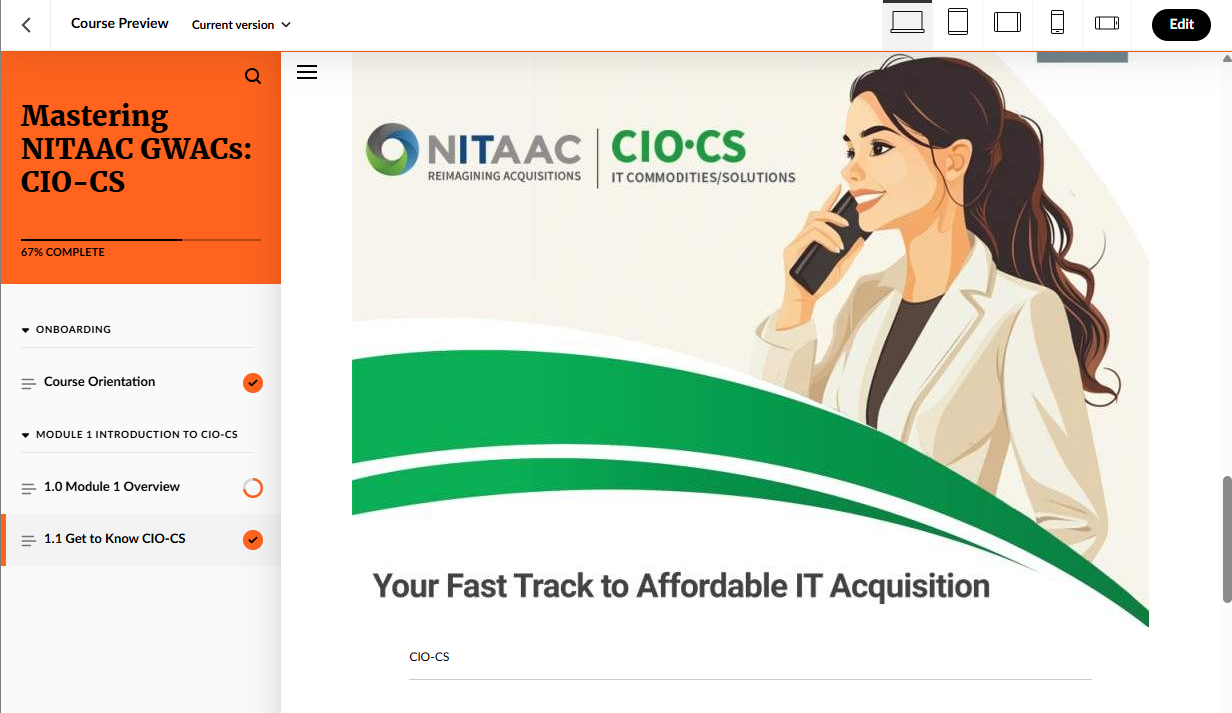
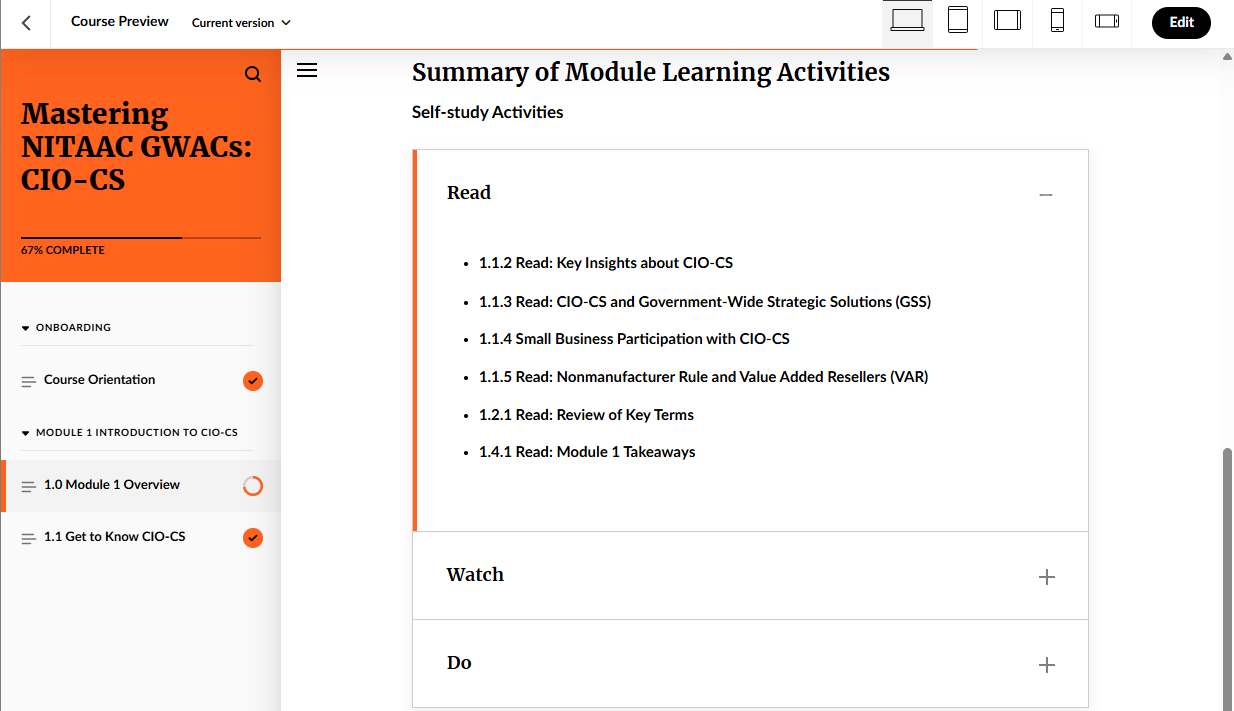
Screenshots from a federal IT procurement training prototype developed in Articulate Rise. Click on image to expand.
Adobe Captivate Interactions
Early-stage prototypes showcasing gamified interactions and drag-and-drop functionality
These are screenshots from interactive activities I designed using Adobe Captivate. The first was created as part of a fan campaign for the renewal of Sanditon, while the second showcases a content sorting exercise. Click on image to expand.
These visuals demonstrate my ability to prototype engaging layouts, layer media assets, and build logic-based interactions using Captivate.
🟨 Note: Screencast demos coming soon.
Reflections on Design Craft
Motion design gives me tools to turn complexity into clarity. Whether I’m animating a federal training walkthrough or designing a pitch deck that sings, I’m always exploring that intersection where story, tech, and pedagogy meet.